
PROJECT OVERVIEW:
Microsoft Teams Job Aid: Muting Notifications During Meetings
Designed a concise, task-based job aid to help employees quickly manage Microsoft Teams notifications during meetings, supporting adoption by improving employee’s meeting experiences and functional application knowledge.
DESIGN TYPE:
Job Aid / Microlearning
AUDIENCE:
Enterprise employees using Microsoft Teams
THE PROBLEM:
Managing Teams notifications was one of several common pain points reported amongst employees during adoption.
GOALS & OBJECTIVES:
-
Provide a fast, easy-to-follow solution users can reference during meetings
-

Decrease reliance on IT support for basic functionality
-

Improve user experience in Teams meetings
-

Support adoption by providing employees self service resources to support their individual learning goals
MY APPROACH:
I approached this as a microlearning and usability-focused design challenge, opting to create a visual job aid that would be accessible through the ServiceNow knowledge base.
-
1. Task-Focused Structuring
Centered the content around a single, specific action to eliminate unnecessary complexity.
-
2. Step-by-Step Clarity
Simplified the process into a minimal number of steps with clear, action-oriented language.
-
3. Visual Reinforcement
Used annotated screenshots and numbered callouts to guide users directly within the interface.
-
4. Scan-Friendly Layout
Separated actions (muting vs. allowing notifications) and used strong hierarchy for quick navigation.
THE SOLUTION:
A clean, visually guided job aid that enables users to:
Quickly locate notification settings within a Teams meeting
Follow a simple 3-step process to mute notifications
Easily reverse the action when needed
KEY DESIGN DECISIONS:
Clear hierarchy with bold section headers
Side-by-side layout pairing instructions with visuals
Minimal text to support fast comprehension
Consistent branding aligned with Microsoft Teams UI
RESULTS:
Additional job aids created using the template:
Click to enlarge
-

Improved meeting experience through reduced interruptions
-
Increased self-service for basic Teams functionality
-

Provided a reusable template for future Teams related job aids
Other Featured projects
-
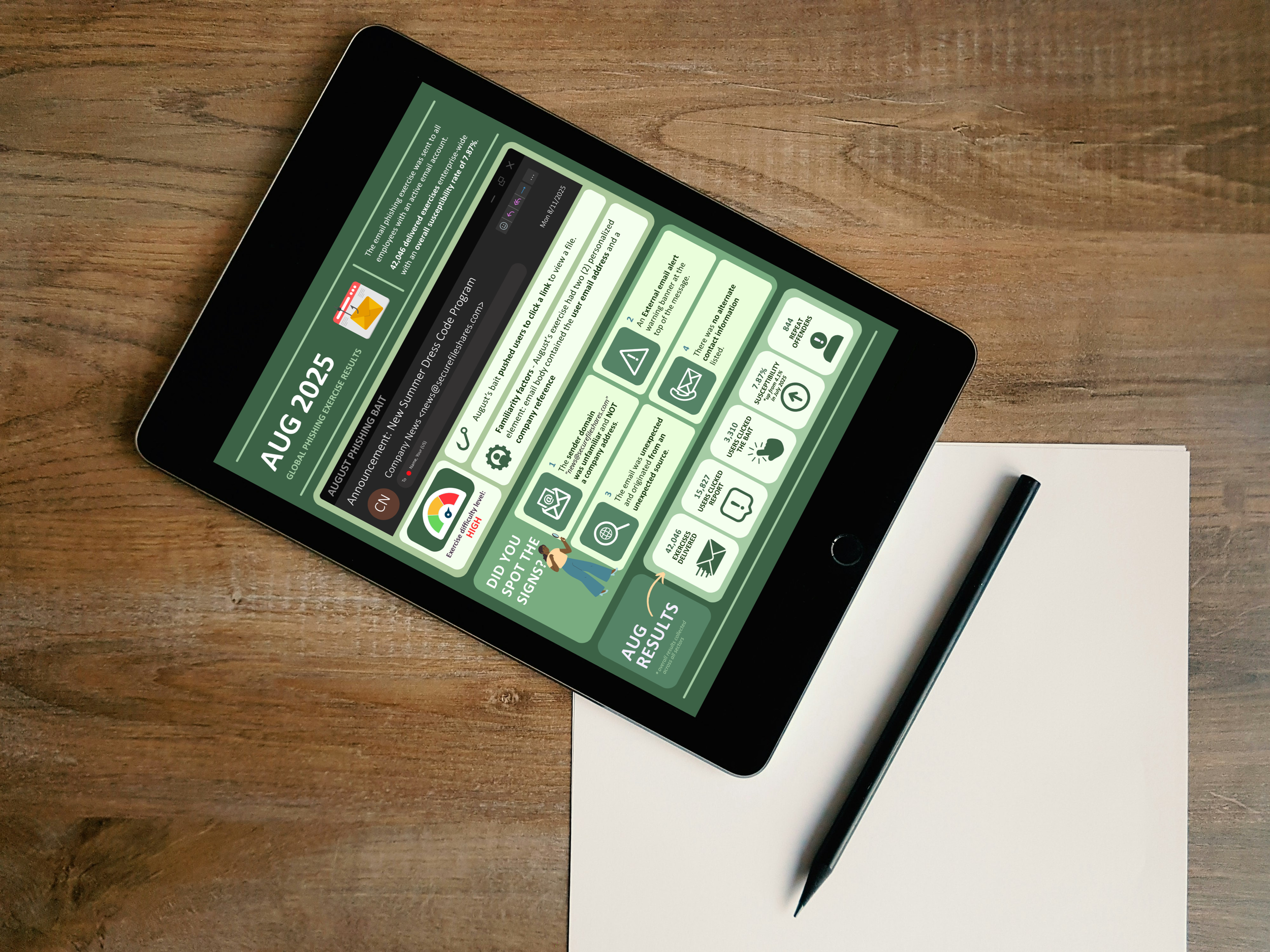
Infographic
Phishing exercise results
-
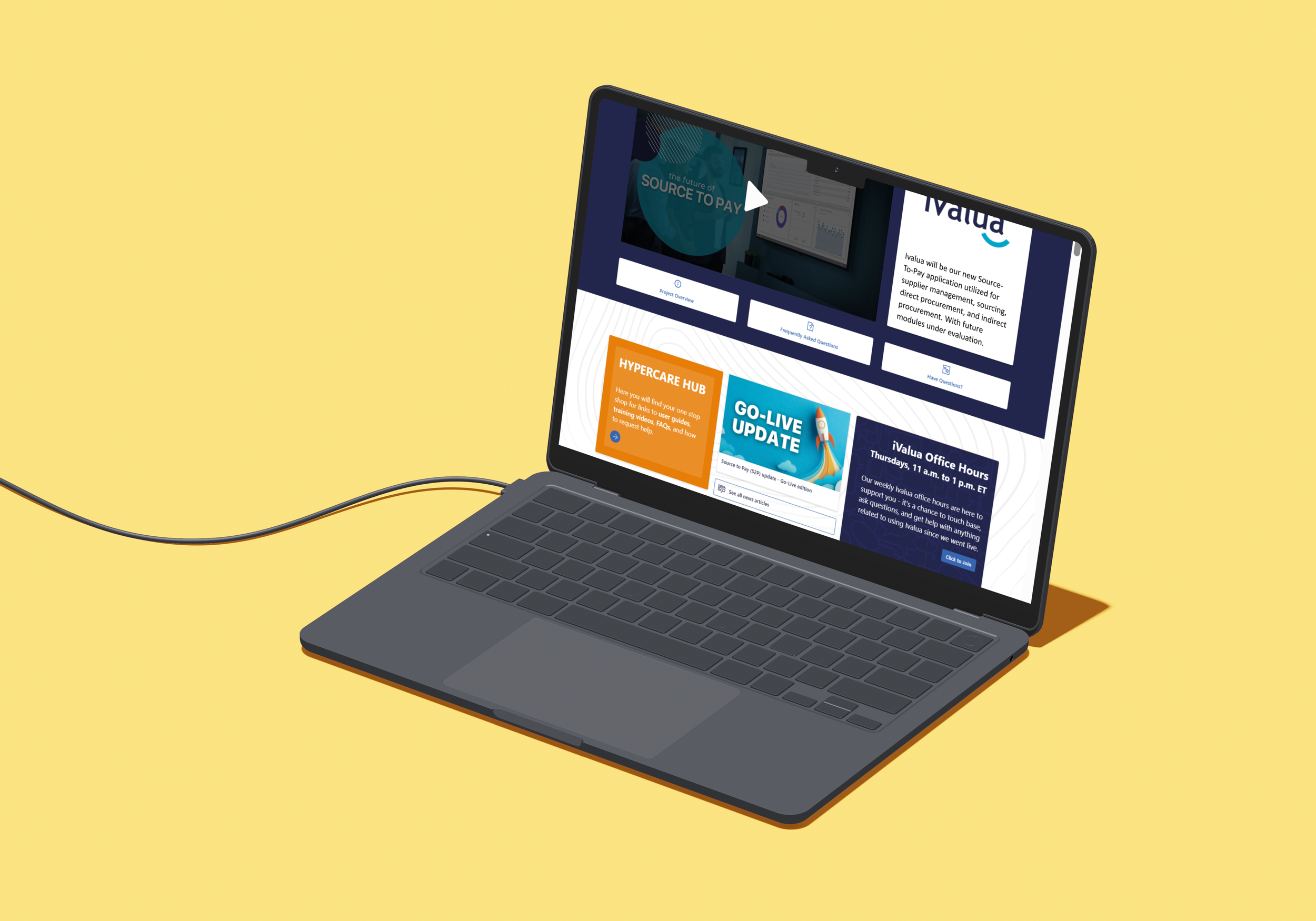
Intranet Page
Source to Pay Ivalua site
-
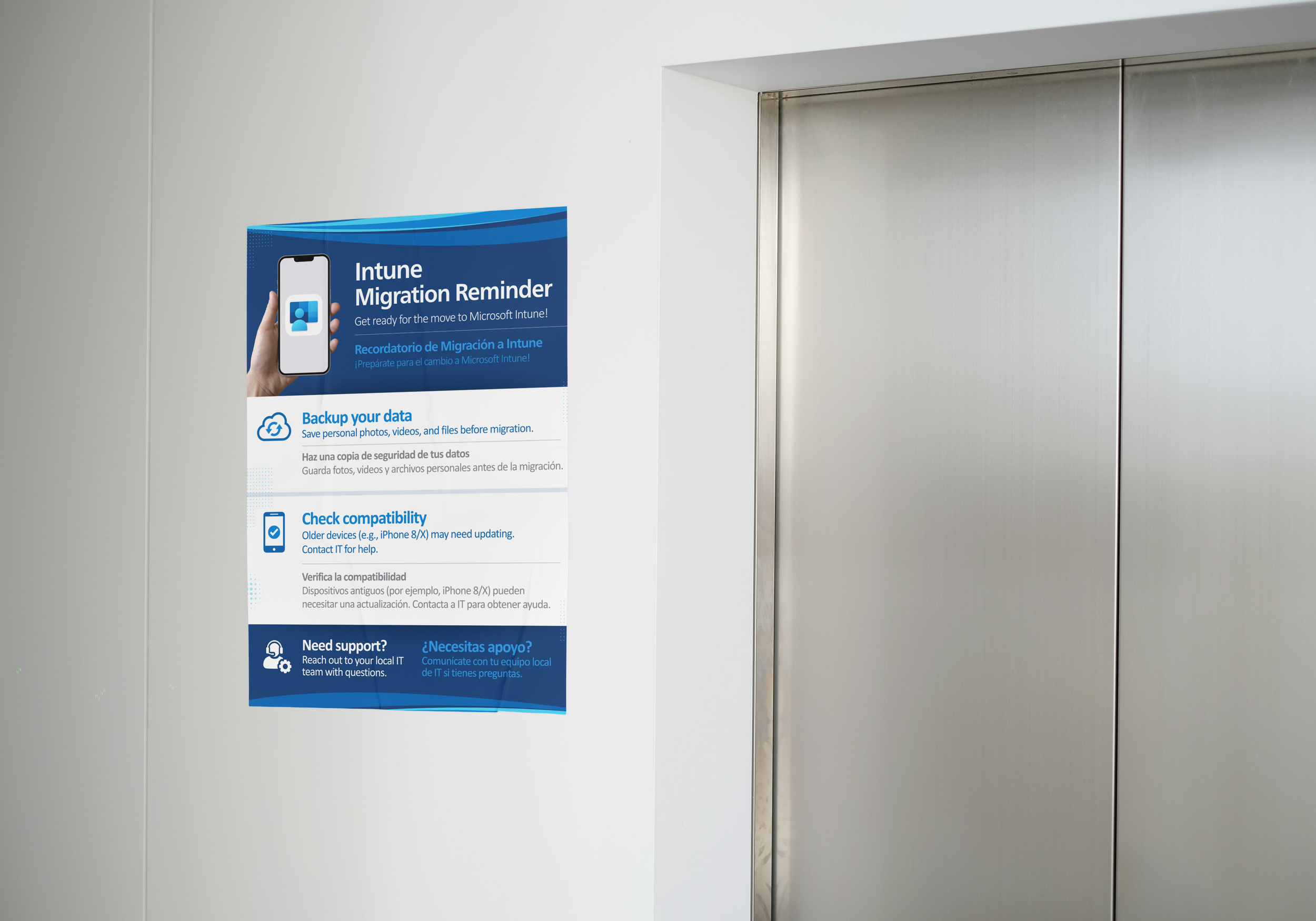
Print Flyer
Intune Migration Reminder
-
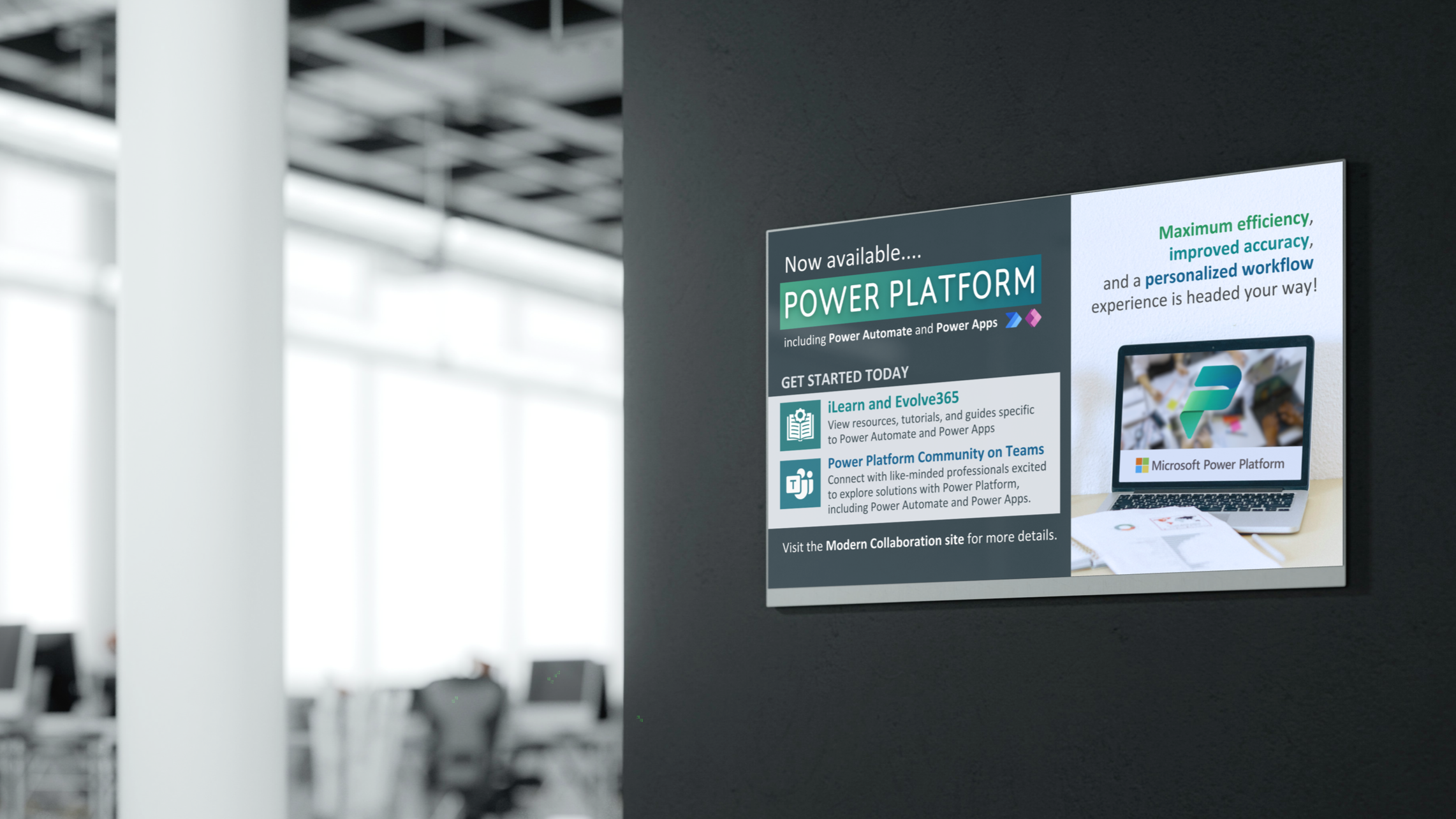
Digital Signage
Power Platform